
Managing remote teams in the Philippines requires tools that ensure accurate payroll, productivity tracking, and compliance with labor laws. Time tracking tools help employers and employees stay aligned, offering transparency and detailed work logs. Here’s a quick rundown of the best tools:
- Time Doctor: Tracks activity, takes screenshots, and integrates with payroll systems. Starts at $6.70/user/month.
- Hubstaff: Includes GPS tracking, geofencing, and payroll integrations. Starts at $4.99/user/month.
- Clockify: Free for unlimited users with basic features, ideal for small teams.
- Toggl Track: Offers a simple interface and manual timers. Starts at $9.00/user/month.
- DeskTime: Automates tracking based on activity and categorizes apps. Starts at $5.99/user/month.
Quick Comparison
| Tool | Starting Price | Key Features | Best For |
|---|---|---|---|
| Time Doctor | $6.70/user/month | Screenshots, activity tracking, payroll integration | Detailed oversight and accountability |
| Hubstaff | $4.99/user/month | GPS tracking, geofencing, payroll integrations | Field teams and location tracking |
| Clockify | Free (unlimited users) | Manual timers, basic reporting | Budget-friendly for small teams |
| Toggl Track | $9.00/user/month | One-click tracking, privacy-focused | Creative professionals |
| DeskTime | $5.99/user/month | Automatic tracking, productivity categorization | Easy tracking without manual input |
Choose a tool based on your team’s needs, balancing features like privacy, automation, and payroll integration. Testing tools before full implementation can help ensure a smooth transition.
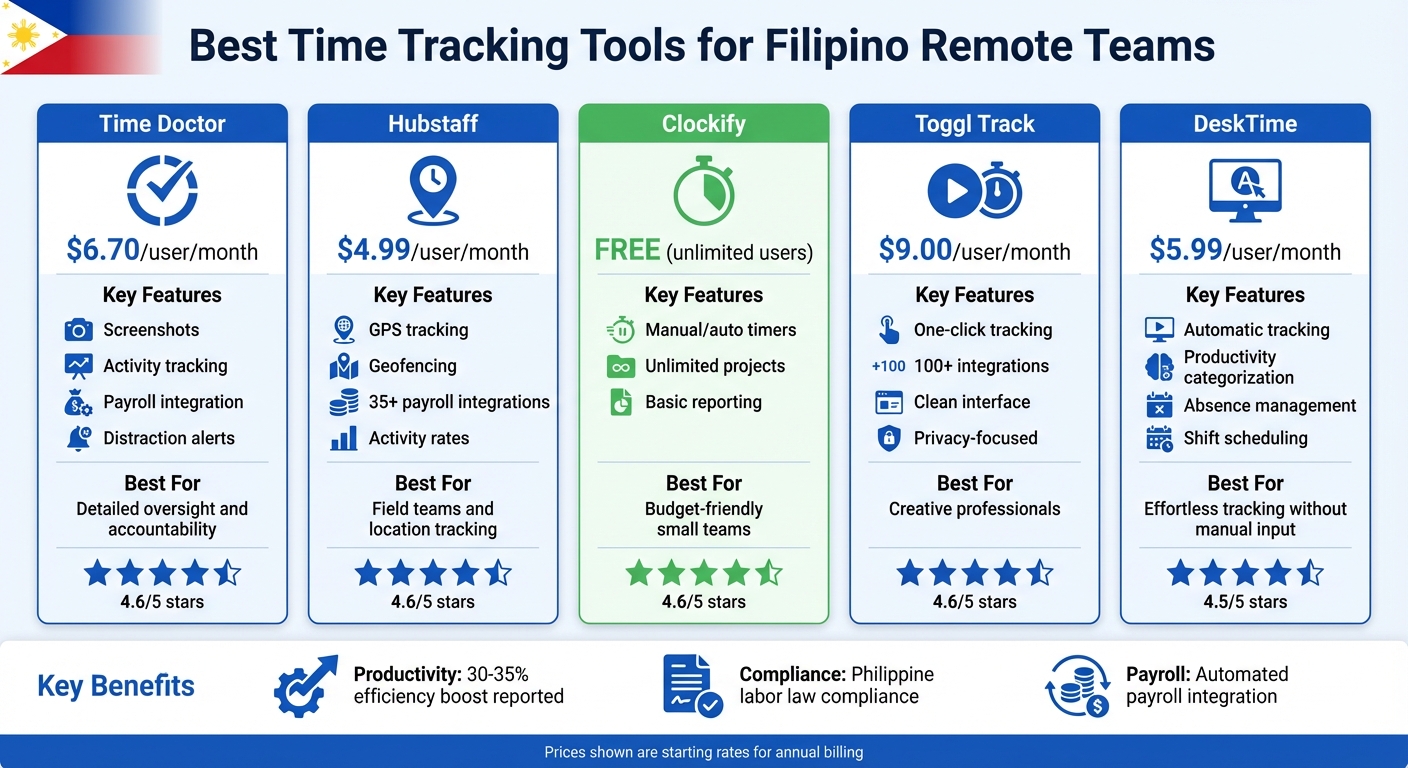
Time Tracking Tools Comparison for Filipino Remote Teams: Features and Pricing
15 Best Time Tracking Software That Fit Any Team and Budget
sbb-itb-5665bbf
Why Time Tracking Tools Matter for Filipino Remote Teams
Managing remote teams in Manila – or anywhere else in the Philippines – requires a solid system to keep everything running smoothly. Time tracking tools step in as the perfect solution, offering a clear, data-driven way to monitor work activity. They replace the need for physical oversight with actionable insights, ensuring efficient and transparent operations.
Better Productivity and Accountability
Time tracking tools do more than just log hours – they create a clear picture of how time is spent. By monitoring logins and task durations, these tools help minimize idle time and keep everyone focused on their goals. Amaiya from VirtualStaff.ph sums it up well:
"Time tracking ensures accountability, improves productivity, and helps you manage payroll accurately".
This level of visibility also helps in identifying roadblocks before they turn into major issues. For example, if a project frequently exceeds its budget, time logs can pinpoint inefficiencies. Phoenix Virtual Solutions reported a 35% boost in efficiency in 2025 after using time tracking to fine-tune staff performance. With accountability baked into the process, remote teams can adopt more transparent and effective work practices.
More Transparency in Remote Work
Trust can be tricky to build in remote setups, especially when your team is scattered across different locations. Time tracking tools help bridge that gap. As Leandro Eclipse from RemoteStaff.ph puts it:
"Time tracking builds trust with clients by providing detailed work logs that show exactly how the billed time is spent".
This transparency works both ways. Filipino employees can access their logged hours and paystubs in real time, reducing misunderstandings about salaries and fostering mutual trust. Remote Staff, for instance, has maintained client relationships for over a decade by using time-tracking data to back up work hours and resolve billing concerns.
Easier Payroll Management
One of the standout benefits of time tracking tools is how they simplify payroll. Philippine labor law mandates strict compliance with regulations like tracking the 8-hour workday, ensuring breaks, and calculating overtime correctly. Relying on manual spreadsheets often results in costly errors – missed hours, incorrect overtime rates, or holiday pay mishaps. Automated tools eliminate these risks by syncing work logs directly with payroll systems.
Many tools come with compliance-ready features, such as automatically calculating 200% holiday pay for regular holidays and applying proper deductions for SSS, PhilHealth, and Pag-IBIG contributions. MPM Payroll highlights this efficiency:
"If an employee works during a regular holiday, the system calculates 200 percent pay plus overtime when applicable, without manual adjustments".
This automation means fewer payroll disputes, faster processing, and peace of mind during audits. Skipping these tools could leave businesses vulnerable to hefty fines for failing to meet Philippine labor standards – penalties that can run into thousands of dollars.
Best Time Tracking Tools for Filipino Remote Teams
When managing remote teams, especially in the Philippines, time tracking tools play a key role in ensuring transparency and accurate payroll. This is a critical component for companies that outsource to the Philippines to maintain operational efficiency. Below are some standout options, each catering to different team needs.
Time Doctor
Time Doctor is all about accountability. It monitors activity levels, takes random screenshots, and uses AI to detect early signs of burnout or disengagement. Many companies have seen improved performance and fewer compliance issues with this tool. Plus, it integrates seamlessly with payroll systems, cutting down on manual work. Pricing starts at $6.70 per user per month (billed annually). If your team works with sensitive data or needs detailed work tracking, Time Doctor provides the oversight you’re looking for.
Hubstaff
Hubstaff offers features like GPS tracking, geofencing for automatic clock-ins, and over 35 integrations with payroll platforms like Wise and Deel. As Brian Dordevic, Director of Strategic Planning, highlights:
"Using Hubstaff reduces the meeting time I needed and gives me clarity into what was done and what wasn’t".
OneIMS, led by President Solomon Thimothy, used Hubstaff to identify inefficiencies, resulting in 10%–25% in project savings and a 25% drop in costs from poor hiring decisions. The tool also automates timesheets and syncs them with payment systems, simplifying payroll. Starting at $4.99 per user per month (billed annually), Hubstaff boasts a 4.6 out of 5-star rating from over 1,500 reviews on G2 and Capterra.
Clockify
If you’re on a tight budget, Clockify is a great pick. Its free plan supports unlimited users and projects, making it a favorite among small businesses and startups in the Philippines. While the interface is straightforward, some users find it less visually appealing compared to other tools. For advanced features like detailed reporting and budget tracking, the Standard plan starts at $5.49 per user per month (billed annually). With a 4.6 out of 5-star rating, Clockify is a solid choice for small teams or beginners.
Toggl Track
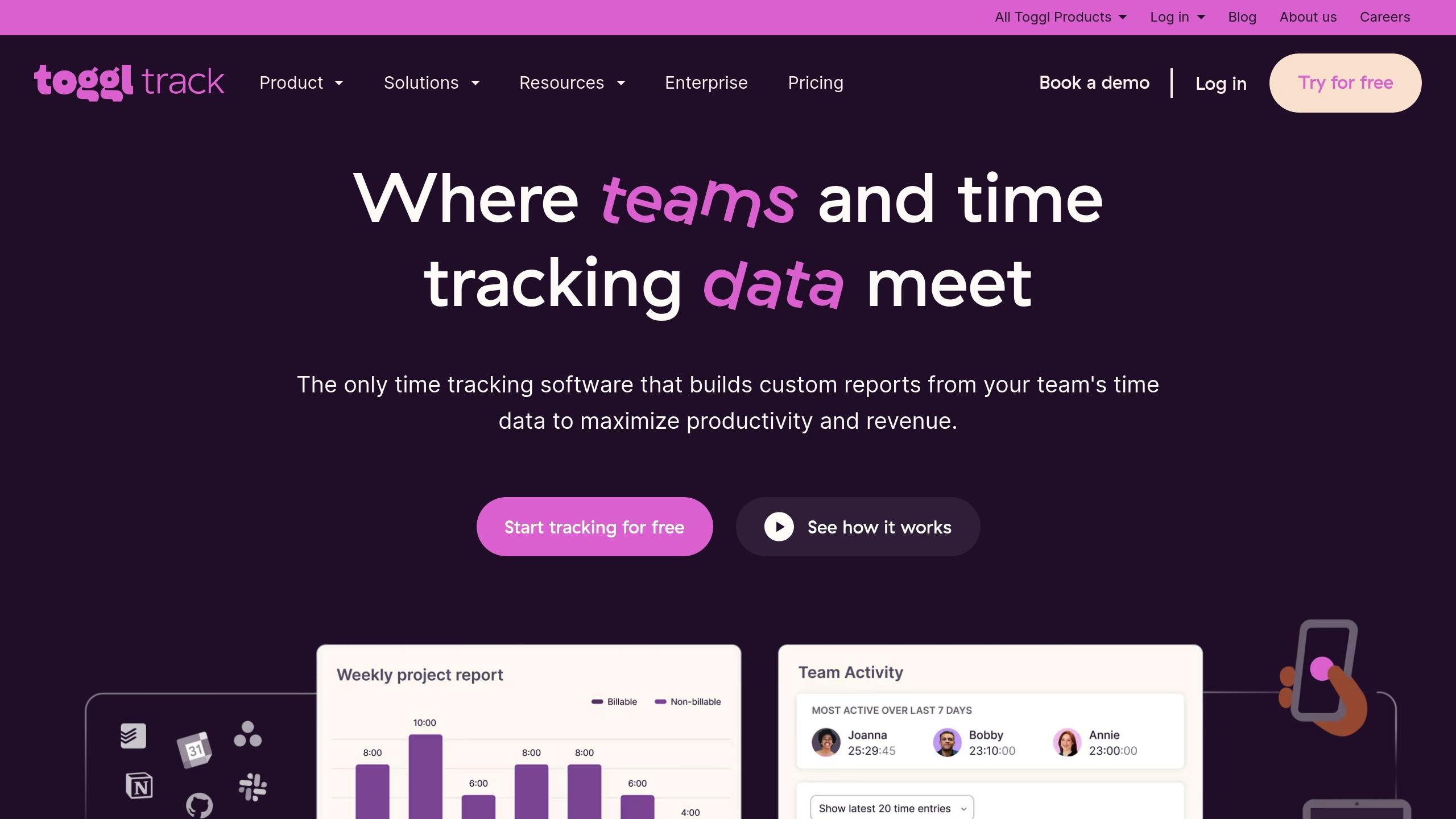
Toggl Track prioritizes simplicity. Its one-click tracking and browser plugins make it easy for new users, including Filipino virtual assistants, to adapt quickly. The interface is often described as "beautiful and intuitive", encouraging regular use. This tool is ideal for creative or administrative roles where intrusive monitoring isn’t needed, as it relies on user-initiated timers rather than constant tracking. The free plan covers up to five users, while the Starter plan costs $9.00 per user per month (billed annually). Toggl Track also holds a 4.6 out of 5-star rating and is praised for its ease of use.
DeskTime
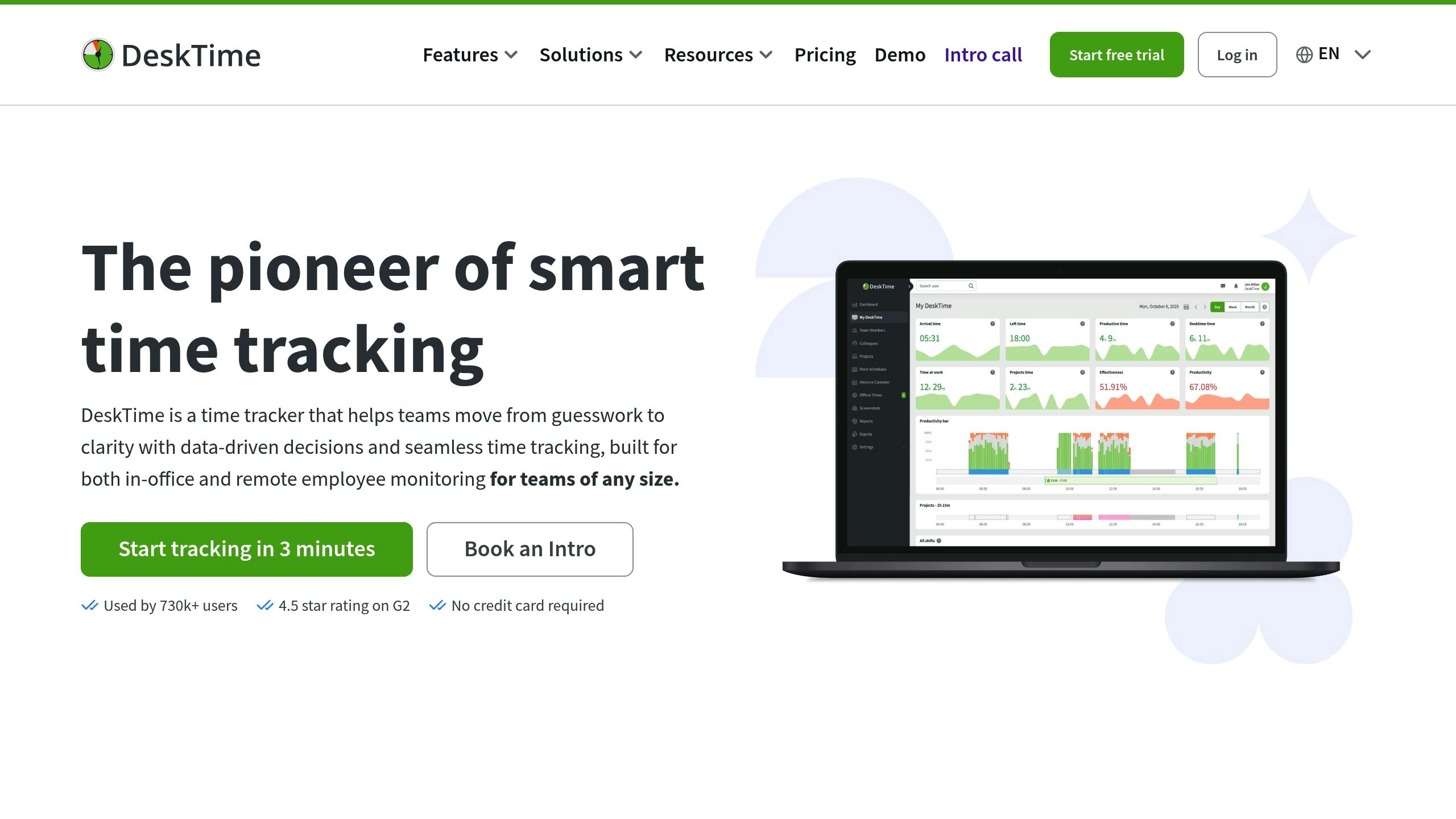
DeskTime automates time tracking by starting and stopping based on device activity, eliminating the need for manual clock-ins. It categorizes apps and websites into "productive" or "unproductive", giving managers clear insights without micromanagement. As accounting consultant Brian Tankersley notes:
"I’ve been fighting a war with timesheets for over 30 years. You have to let automation work for you. If you’re not doing that, you’re becoming more obsolete every day".
Teams using DeskTime have reported a 30% productivity boost. With features like absence management and shift scheduling, it’s perfect for teams with complex schedules. Pricing starts at $6.42 per user per month (billed annually), and while its free plan is limited to one user, upgrading unlocks team functionality. DeskTime has tracked over 330 million hours for its 730,000+ users and holds a 4.5 out of 5-star rating on G2.
Time Tracking Tools Comparison
Choosing the best time tracking tool for Filipino remote teams means finding the right balance between productivity, compliance, and trust. Here’s a detailed look at how some of the top tools stack up in terms of features, pricing, and functionality.
Monitoring approaches differ significantly across these tools. For instance, Time Doctor and Hubstaff offer detailed monitoring features like screenshots, app tracking, and activity levels. Hubstaff even tracks keyboard and mouse usage to calculate activity rates. On the other hand, Toggl Track and Clockify focus on privacy, using timers without intrusive surveillance. DeskTime strikes a balance by automatically logging time based on device activity and categorizing apps as productive or unproductive, without requiring manual input.
When it comes to field work capabilities, Hubstaff stands out. Its GPS tracking and geofencing features make it an excellent choice for managing field teams, such as delivery personnel. These features are largely absent in tools like Toggl Track and Clockify. For Filipino teams with mobile or field-based workers, this functionality can be a game-changer.
Another key factor is compliance with Philippine labor laws. These tools help businesses adhere to regulations like the 8-hour workday, mandatory breaks, and overtime pay. While all five tools support compliance, the degree of automation versus manual oversight varies. This distinction is crucial for businesses aiming to avoid penalties and ensure fair labor practices.
Comparison Table
| Tool | Pricing (Starting) | Key Features | Best For |
|---|---|---|---|
| Time Doctor | $6.70/user/month | Screenshots, activity monitoring, payroll integration, distraction alerts | Teams needing detailed tracking and high accountability |
| Hubstaff | $4.99/user/month | GPS tracking, geofencing, 35+ payroll integrations, activity rates | Field teams and remote workers requiring location verification |
| Clockify | Free (unlimited users) | Manual/auto timers, unlimited projects, basic reporting | Budget-conscious small teams and startups |
| Toggl Track | $9.00/user/month | One-click tracking, 100+ integrations, clean interface | Creative professionals favoring privacy and simplicity |
| DeskTime | $5.99/user/month | Automatic tracking, productivity categorization, absence management | Teams preferring effortless time logging without manual timers |
Each tool offers strengths tailored to different needs – whether it’s detailed monitoring, fieldwork features, or privacy-focused time tracking. For Filipino remote teams, understanding these differences is key to making the right choice.
How to Pick the Right Time Tracking Tool
Identify Your Team’s Needs
Start by understanding the specific tasks your team handles daily, especially when managing Filipino remote workers. For instance, if your team consists of virtual assistants working from home, features like GPS tracking or geofencing might not be necessary. But if you’re coordinating field technicians or delivery drivers, those location-based capabilities could be essential.
Balancing accountability with privacy is another consideration. Tools like Time Doctor and Hubstaff offer productivity tracking with features like screenshots and activity logs, but these can feel intrusive to some employees. On the other hand, simpler tools such as Clockify and Toggl Track rely on manual timers, fostering trust while depending on users to manage their own tracking.
Payroll integration is also a crucial factor. If you’re paying Filipino contractors using platforms like Wise or PayPal, choose a tool that syncs with these services to streamline payments and reduce errors. This can save time and ensure compliance with Philippine labor laws. Plus, automatic tracking can help capture billable hours that might otherwise go unnoticed, potentially offsetting the tool’s cost.
Compare Cost Against Features
Switching tools frequently can be expensive and disruptive. As Mark from HireTalent.ph points out:
"Tool-hopping every six months chasing perfection costs more than just accepting good enough." – Mark, HireTalent.ph
Instead of seeking perfection, focus on finding a tool that covers most of your needs – what Mark refers to as the "80% rule." For small teams with limited budgets, Clockify offers a free plan with unlimited users, making it a budget-friendly option at $0 per month. Meanwhile, larger teams might benefit from Hubstaff’s $4.99 per user per month plan, which includes GPS tracking and payroll integration.
Be cautious of hidden costs. Some "free" tools place essential features – like billable rates or detailed reporting – behind paid tiers. As your team grows, these unexpected costs can add up. If you’re already using a hiring platform, check if it includes built-in attendance tracking. Many platforms offer this feature as part of their service, reducing the need for additional tools.
Once you’ve compared features and costs, test the tool to ensure it meets your team’s needs.
Test Before You Commit
Take advantage of free trials to evaluate how the tool performs in practice. Many premium options like Hubstaff and Time Doctor offer 14-day trials, giving you time to test their functionality. Pay close attention to the performance of mobile apps during this period, as some trackers can be glitchy or slow to sync.
Before rolling out a new tool across your entire team, run a pilot program with a small group. This allows you to identify any workflow issues early on. For example, if the interface is clunky or frustrating (a common complaint about tools like My Hours), it could hinder adoption.
Make sure to clearly explain the tool’s purpose to your Filipino team members. Highlight that it’s meant to ensure accurate payroll and transparency, not to monitor their every move. As Mark from HireTalent.ph wisely notes:
"The tool matters way less than how you use it." – Mark, HireTalent.ph
Lastly, provide concise training materials to help team members with varying tech skills get up to speed. Introduce new features gradually, allowing your team to adapt without feeling overwhelmed. This step-by-step approach can make managing a remote team smoother and more effective.
Conclusion
Choosing the right time tracking tool can significantly improve your Filipino remote team’s efficiency by ensuring accurate payroll and compliance with Philippine labor laws. Proper tracking of hours and overtime not only avoids costly disputes but also helps maintain smooth operations.
The best tool for your team depends on your specific needs. For example, if you’re managing virtual assistants from home, features like GPS tracking or geofencing might not be necessary. On the other hand, accurate billing and seamless payroll integration could be non-negotiable for your setup.
As Carlo Borja from Time Doctor explains:
"Monitoring remote employees is not about micromanaging. It is about creating clarity."
The focus here isn’t on surveillance but on fostering a transparent system where expectations are clear and compensation is fair.
When making your decision, consider your budget, required features, and team dynamics. Take advantage of free trials to test performance. Whether it’s Clockify for its free unlimited tracking, Hubstaff for managing field teams at $4.99 per user per month, or Time Doctor for detailed oversight starting at $6.70 per user per month, the right tool will align with your team’s unique needs. By doing so, you’ll set the stage for a productive and compliant remote workforce.
FAQs
Which time tracking tool fits my team type best?
The right tool for you will hinge on your team’s size, budget, and level of oversight. Time Doctor is ideal for remote teams that require in-depth productivity tracking and strict supervision. For freelancers or smaller teams, Toggl Track stands out as a free and easy-to-use option. If your team operates in a hybrid setup and needs payroll integration, Hubstaff is a strong choice. Meanwhile, platforms like HireTalent.ph are tailored for managing Filipino virtual assistants, offering built-in tracking and management tools.
How can time tracking stay compliant with Philippine labor rules?
Time tracking systems in the Philippines need to align with labor regulations by accurately recording employee attendance. This ensures that statutory benefits are properly provided and helps avoid problems like buddy punching. Tools such as facial recognition and GPS-enabled check-ins can add an extra layer of security, making employee monitoring both reliable and compliant with the law.
How can I implement a time tracker without harming trust and privacy?
To introduce a time tracker without damaging trust, start by being upfront about why it’s being implemented. Emphasize that the goal is to improve productivity and ensure fairness, not to monitor or micromanage employees. Get your team involved early – seek their input and address concerns to make them feel part of the decision. Opt for tools with non-intrusive features and clearly explain how the data will be used, ensuring there’s no ambiguity.
Roll it out in stages to give everyone time to adjust, and make sure the tool is easy to use and respects personal privacy. By staying transparent and showing that trust is a priority, you can create a positive atmosphere where the time tracker is seen as a helpful resource rather than an invasive tool.